
Approval starts the payee setup process
After NORTH approves a release, the release owner should receive an automated email connected to the royalty allocation for that release. The message identifies the allocation and provides the next step for accessing the beneficiary portal used for payee setup and royalty reporting.
If you add collaborators through Splits in NORTH, each collaborator receives the same type of allocation email for their own share. Every participant completes their own payee setup; one person accepting an allocation does not accept it for everyone else.
The beneficiary portal is separate from your NORTH account
The beneficiary portal is the payee-facing accounting area. The recipient follows the instructions in the allocation email, creates or signs into their portal account, and completes any required setup shown there.
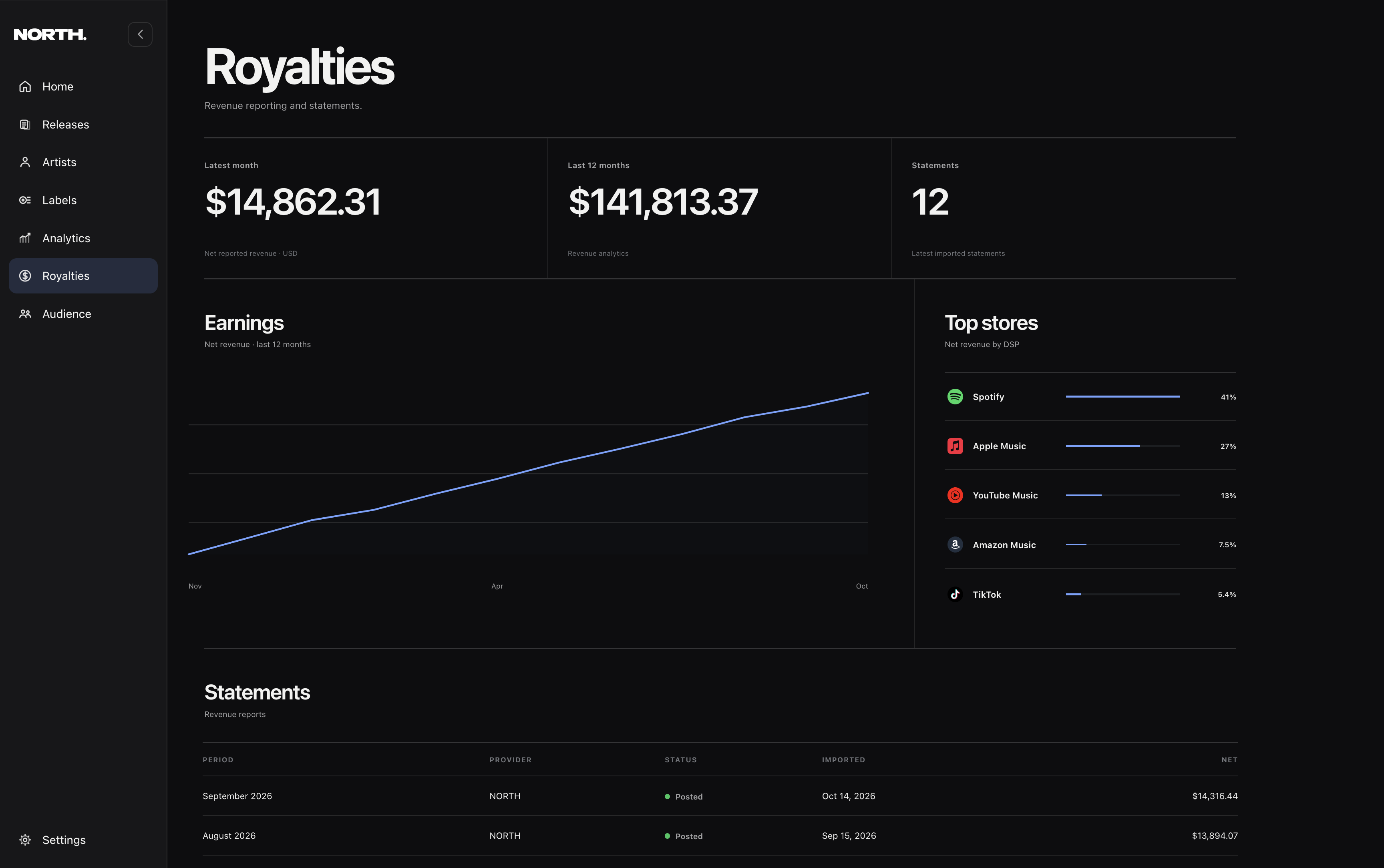
Once setup is complete, the portal becomes the place to monitor that payee balance as royalty reporting is processed. Your NORTH workspace remains the place to manage releases, splits, delivery, analytics, and catalog operations.
Earnings are reported monthly
Royalty reporting does not appear at the same moment a listener streams a song. Stores report usage and revenue on their own reporting cycles, and those reports are then processed into accounting periods. The beneficiary portal updates as that reporting is received and allocated.
That is why a release can be live and generating activity before a corresponding royalty balance is visible. Streaming analytics and royalty accounting measure different stages of the same process.
The withdrawal threshold is $50
When a beneficiary balance reaches $50, the payee can request a withdrawal through PayPal from the beneficiary portal. If the balance is below $50, the earnings remain in the account and continue accumulating with future reporting.
Collaborators reach the threshold independently. A release owner reaching $50 does not make a collaborator eligible unless that collaborator’s own available balance has also reached the threshold.
If an allocation email never arrives
- Confirm the email address saved in NORTH Splits is correct.
- Check spam, junk, and filtered inboxes for the allocation message.
- Make sure the release has actually been approved by NORTH.
- If the address is correct and the message is still missing, contact support@northdistro.app with the release title and the affected collaborator email.

